Skyblock Auction House
General#
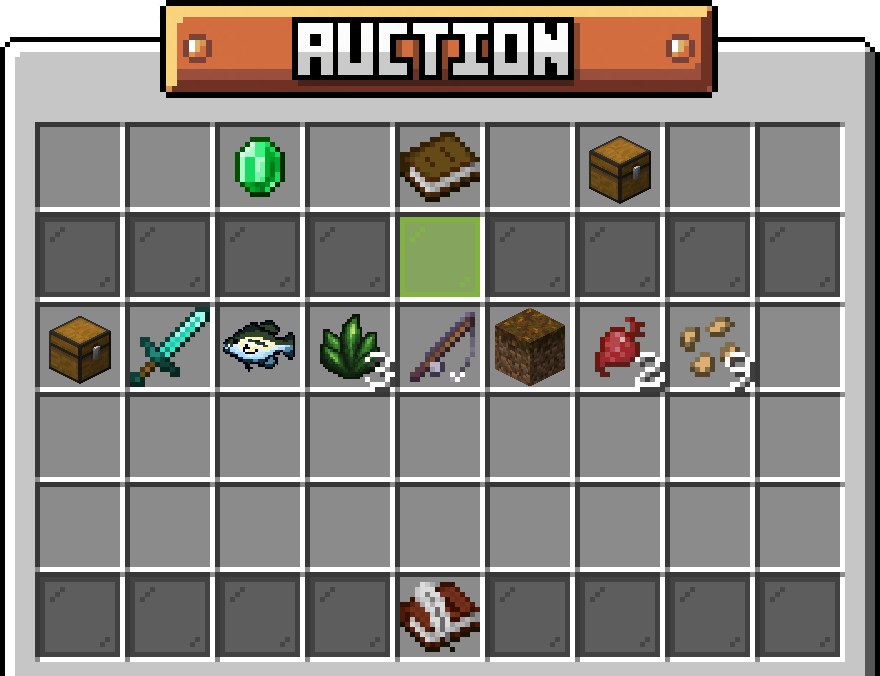
The Auction House provides a server-wide marketplace where players can list items for sale and bid on items posted by others. Access the Auction House using /ah or by visiting the auction terminal at spawn.
Unlike Chest Shops which require physical visits, the Auction House allows you to browse and purchase items from anywhere, making it perfect for trading rare items, bulk resources, or hard-to-find goods with players across the entire server.
Casual and competitive profiles each have their own Auction House, and listings never cross between them.
Creating Listings#
Use /ah sell <price> <duration> while holding an item to create a new auction listing. The price you set is the starting bid, and your item will be listed on the Auction House for other players to browse and bid on.
Listing Duration#
All listings remain active for 24 hours from the time they're created if no duration is specified. A duration can be anything from 1 minute up to 7 days. If your item doesn't sell within this window, it will be returned to you automatically.
Cancellation Policy#
Once you create a listing, there are restrictions on when you can cancel it. This policy prevents last-minute cancellations and ensures fair trading for all players. Plan your listings carefully and price items appropriately from the start.
- You CAN cancel during the first 70% of the auction if no bids have been placed
- You CANNOT cancel once a bid has been placed on your item